How to Get More Bass on AirPods
To get more bass on AirPods, start with the fit: Apple says a good seal in your ear canal gives a richer bass sound, and AirPods Pro have a test and several ear tip sizes. Then try Apple's custom AirPods EQ (Settings › your AirPods › Audio & Routing › Equalizer › Custom) on supported models, and the Music app's Bass Booster preset. For songs you play in EQfy, a Bass Boost of up to +12 dB adds more low end.
1. Get a better seal
Bass is the first thing you lose when air leaks around an earbud. Apple's page on AirPods Pro ear tips says your ear tips should make a good seal with your ear canal, and that when the fit is right you get better noise cancellation and music with a rich bass sound.
- Put your AirPods Pro in, connected to your iPhone.
- Open Settings and tap the name of your AirPods near the top.
- Tap Ear Tip Fit Test (AirPods Pro 1 and 2) or Acoustic Seal Test (AirPods Pro 3), then follow the instructions.
- If the result is poor, adjust the position and test again. Then try a different ear tip size. Your left and right ear may need different sizes.
AirPods Pro come with several sizes of ear tips, and the size is marked inside each tip. Apple recommends using the ear tips that come with your AirPods Pro. If you don't see the test, make sure your iPhone is up to date.
Standard AirPods without silicone tips sit in the ear rather than sealing the canal, so they usually give less bass. That's the design, not a fault, and the settings below can only lift the bass a little.
2. Try Apple's custom AirPods EQ
Apple's guide to customizing EQ on AirPods describes a three-band equalizer for supported models:
- Go to Settings and tap the name of your AirPods at the top.
- Tap Audio & Routing, tap Equalizer, then tap Custom.
- Drag the Low, Mid and High sliders to taste.
Raise Low for more bass, and if the sound gets boomy, lower Mid a little rather than pushing Low to the top. Apple says the settings are stored on your AirPods and carry over to your other paired devices, and that you turn them off by choosing Recommended. Apple lists the feature for newer models (AirPods 4 or later, AirPods Pro 2 or later and AirPods Max 2), and the page doesn't say which iOS version you need. If you don't see Equalizer under Audio & Routing, your AirPods or iOS version may not support it yet.
3. Use the Music app's Bass Booster
If you listen in Apple's Music app, go to Settings › Apps › Music › EQ and choose Bass Booster, as described in Apple's iPhone User Guide. It's free, but it's one fixed preset, and it only changes the Music app, not Spotify or YouTube. Our guide to boosting bass on iPhone speakers compares it with the other options.
4. In Spotify, use its own equalizer
Spotify has its own Equalizer under your profile picture › Settings and privacy › Playback. Switch it on, then choose a preset or drag the dots to raise the low end. It only changes Spotify. Our guide to making Spotify louder explains the rest of its sound settings.
5. Boost the bass of songs in EQfy
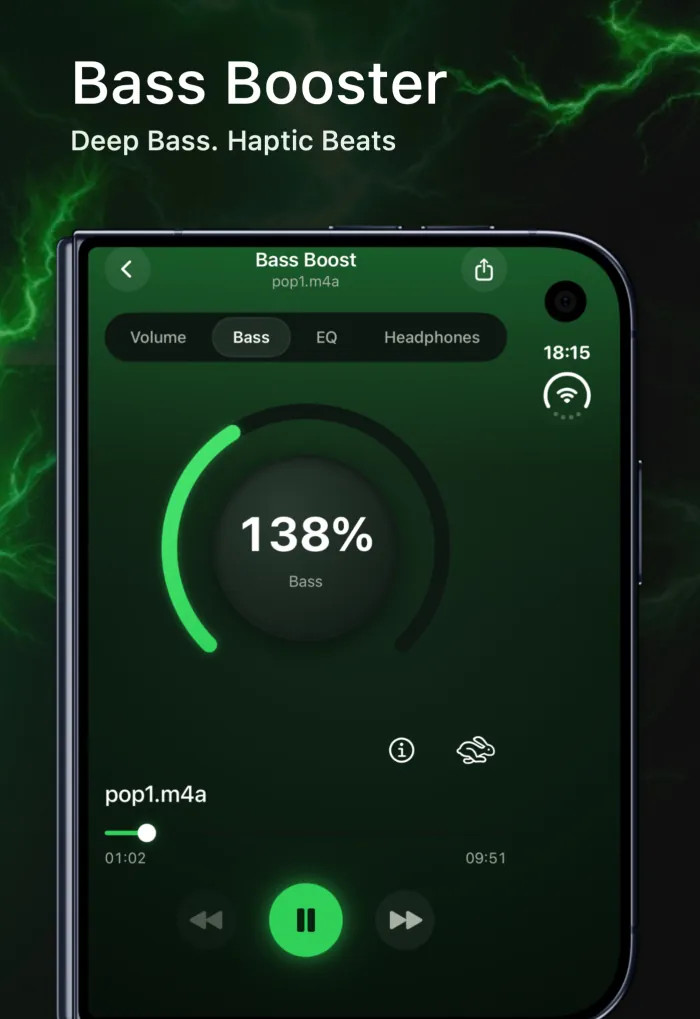
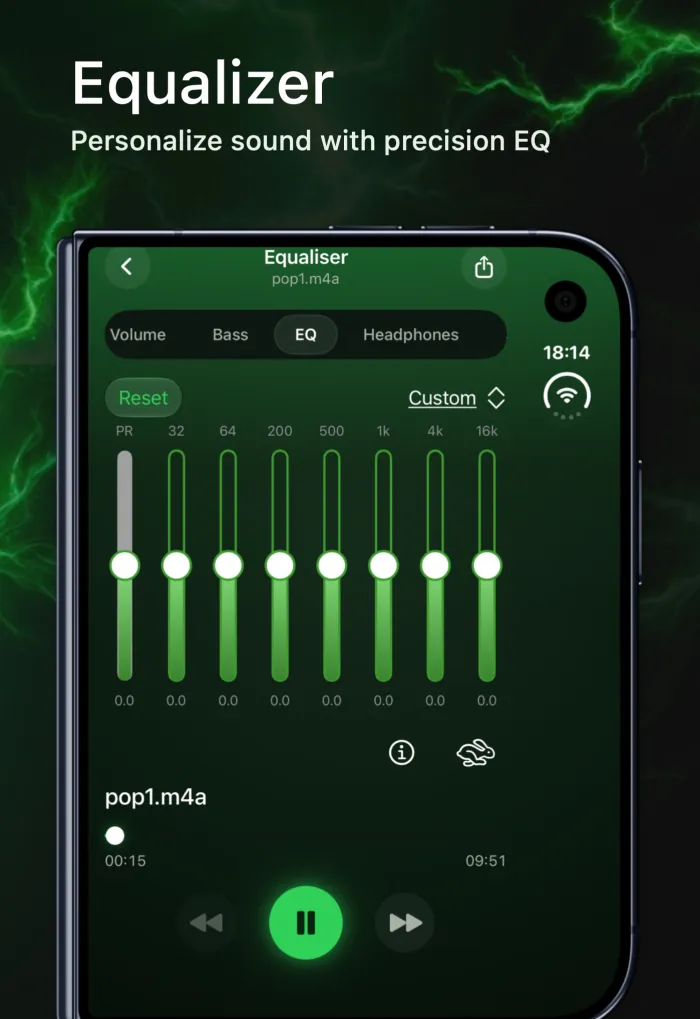
For songs you own, EQfy - Louder Volume adds a Bass Boost of up to +12 dB, a low-shelf boost centred around 200 Hz, plus a 7-band equalizer. It works with AirPods like any headphones, because EQfy processes the song and sends it to them. Import a song from your Music library or the Files app, open the Bass tab and raise the dial in small steps. Bass Boost and the equalizer are part of Premium; the Volume Boost dial is free. If the bass sounds muddy, lower the 200 Hz band a little. The preset values are in our EQ settings guide.
If the bass still sounds weak, undo anything that cuts it
- Music EQ. In Settings › Apps › Music › EQ, make sure a preset such as Bass Reducer isn't on. Set it to Off if you're unsure.
- AirPods Equalizer. If you've changed it, choose Recommended to go back to the default.
- Balance. Keep Accessibility › Audio & Visual › Balance centred.
- Headphone Accommodations. Apple built it for hearing needs, not as a bass control, and doesn't describe its tone options in terms of bass. If you turned it on and the sound changed, turn it off to compare.
Our guide to making AirPods louder covers cleaning and the other settings that change the level.
Frequently asked questions
Why do my AirPods have so little bass?
The most common reason is a poor seal. Apple says a good seal in your ear canal gives better noise cancellation and a richer bass sound. Run the fit test for AirPods Pro, try another ear tip size, and check that no EQ setting is cutting the bass.
Is there an equalizer for AirPods?
Apple's guide describes a custom EQ with Low, Mid and High sliders for supported AirPods. Go to Settings, tap your AirPods, then Audio & Routing, then Equalizer, and choose Custom. If you don't see it, your AirPods or iOS version may not support it.
Does the Music app's Bass Booster work for Spotify?
No. The Music app's EQ only changes the Music app. For Spotify, use its own Equalizer under Settings and privacy, then Playback. EQfy's Bass Boost works on songs you play inside EQfy.
Can I get more bass on regular AirPods?
Their open design doesn't seal the ear canal the way silicone ear tips do, so they usually give less bass than AirPods Pro. An EQ can lift the bass a little, but it can't recreate a sealed fit.