Best EQ Settings for iPhone: Presets by Genre
The best EQ settings for iPhone depend on the genre and on whether you listen through the speaker or headphones, so no single curve suits everything. Start from a genre preset, then adjust one band at a time by 2–3 dB while you listen. A rock preset, for example, cuts 200 Hz and lifts 1 kHz so guitars and vocals cut through, while a rap preset boosts 32 and 64 Hz for heavier 808s.
This guide gives you the exact presets from the equalizer in EQfy - Louder Volume, explains what each band does in plain language, and shows you how to build your own settings for more bass, clearer vocals or softer treble.
What each EQ band does
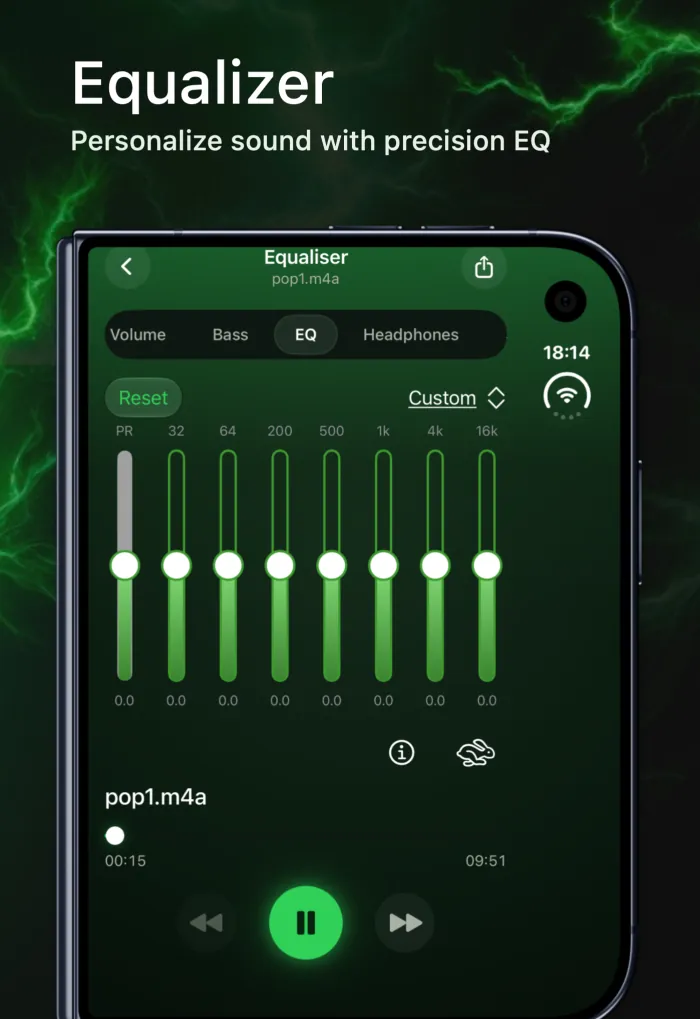
An equalizer splits sound into frequency bands and lets you turn each one up or down. Low numbers (Hz) are deep sounds, high numbers (kHz) are bright sounds. The presets in this guide use seven bands plus a preamp:
- 32 Hz: sub-bass. The deep rumble you feel more than hear, such as the tail of an 808 or a film explosion. Headphones reproduce it well; a phone speaker barely does.
- 64 Hz: bass punch. The weight of a kick drum and bass guitar. Boost it for a fuller low end, cut it if the bass sounds bloated.
- 200 Hz: upper bass and warmth. This is where small speakers can still produce "bass". Too much makes music muddy or boomy.
- 500 Hz: low mids and body. Gives instruments and voices their body. Too much sounds boxy, like music played in a cardboard box.
- 1 kHz: midrange. The core of vocals, guitars and piano. A lift brings them forward; too much sounds nasal.
- 4 kHz: presence and clarity. Consonants, guitar bite and detail live here. It helps speech, but heavy boosts sound harsh and tiring.
- 16 kHz: air and sparkle. Cymbal shimmer and the open, airy quality of a recording. Subtle on speakers, more obvious on good headphones.
What the preamp does
The preamp (PR) raises or lowers the whole signal before the seven bands shape it. Use it to win back loudness when you've mostly cut bands, or to make room when you've boosted several bands. If the sound starts to crackle, the preamp is the first slider to turn down.
Best EQ settings for iPhone by genre
These are the nine built-in presets in EQfy's equalizer, with the exact values in decibels (dB). You can copy them into any 7-band equalizer that uses the same frequencies.
| Preset | Preamp | 32 Hz | 64 Hz | 200 Hz | 500 Hz | 1 kHz | 4 kHz | 16 kHz |
|---|---|---|---|---|---|---|---|---|
| Rock | +6 | +5 | −3 | −6 | +3 | +6 | +3 | +4 |
| Jazz | +4 | −2 | −4 | +2 | +4 | +6 | +3 | +2 |
| Electronic | +8 | +6 | −2 | −4 | +3 | +6 | +8 | +6 |
| Classical | +4 | +3 | −2 | −3 | +2 | +4 | +6 | +4 |
| Reggae | 0 | +3 | +4 | +2 | −3 | −2 | −1 | −2 |
| Rap | +4 | +5 | +4 | +2 | 0 | +1 | +2 | +3 |
| R&B | +3 | +4 | +3 | +1 | −2 | −1 | +2 | +3 |
| Dance | +4 | +3 | +5 | +3 | +2 | +3 | +4 | +3 |
| Acoustic | +2 | +2 | 0 | −2 | −1 | +2 | +3 | +4 |
What each preset is for
- Rock: deep sub-bass plus a strong cut at 200 Hz removes mud, while +6 at 1 kHz pushes guitars and vocals forward.
- Jazz: trims the deepest bass and lifts 200 Hz to 1 kHz, giving piano, horns and upright bass a warm, natural body.
- Electronic: big sub-bass and bright highs (+8 at 4 kHz) for crisp synths and hi-hats. It also has the highest preamp, so lower PR if a loud track distorts.
- Classical: a light low-end foundation with extra detail at 4 kHz and air at 16 kHz for strings and the sound of the hall.
- Reggae: the only preset with a flat preamp. It leans on the three bass bands and gently softens the mids and highs for a relaxed, warm sound.
- Rap: strong 32 Hz and 64 Hz for 808s, neutral mids, and a small lift on top so vocals and hi-hats stay crisp.
- R&B: smooth low end, a slight dip at 500 Hz and 1 kHz to avoid boxiness, and gentle presence and air for vocals.
- Dance: every band is boosted, with the most at 64 Hz for kick-drum punch. Energetic and loud, so watch the volume.
- Acoustic: a light touch that tames guitar-body boom at 200–500 Hz and adds string detail and air.
How to use the equalizer in EQfy
- Install the app from the App Store (it's listed there as Volume Booster Sound Amplifier). It's free to download.
- Add music from your iPhone's Music library or from the Files app (MP3, M4A and more).
- Open a track and tap the EQ tab in the player.
- Tap the preset menu (it shows Custom until you choose a preset) and pick a preset, or simply move the preamp and band sliders yourself.
- Tap Reset whenever you want to start over.
EQfy doesn't save your own curves as named presets, so note down any settings you want to reuse.
How to build your own EQ settings
The recipes below are starting points, not rules. Every song, headphone and ear is different, so use them as a base and tweak by ear. Two habits make the biggest difference: change one band at a time, and try cutting what's too loud before you boost what's missing.
EQ settings for more bass
- Headphones: 32 Hz +3 to +5, 64 Hz +3 to +4, everything else at 0.
- iPhone speaker: 200 Hz +3 to +4 and 64 Hz +1 to +2. Deeper bands add little on a small speaker.
- If vocals get buried, try 500 Hz −1 to −2.
For a one-dial option that's tuned for phone speakers, see our guide to boosting bass on iPhone.
EQ settings for clearer vocals and podcasts
- 32 Hz −3 and 64 Hz −2 to remove rumble that voices don't need.
- 200 Hz −2 to reduce muddiness.
- 1 kHz +2 and 4 kHz +3 to bring words forward.
- Leave 16 kHz at 0; boosting it can exaggerate hiss and sharp "s" sounds in speech.
EQ settings for less harsh treble
- 4 kHz −2 to −4 to soften sharp vocals and bright guitars.
- 16 kHz −1 to −3 if cymbals still sound splashy.
- 200 Hz +1 to +2 adds a little warmth to balance the cut.
Small speaker vs headphones
The iPhone speaker is tiny, so it can't move enough air to reproduce much at 32 or 64 Hz. Boosting those bands on the speaker mostly uses up headroom and can make it rattle. On the speaker, focus on 200 Hz for punch and 1–4 kHz for clarity. On headphones, the deep bands work well, but go easy on 4 kHz and 16 kHz, because bright sounds right next to your ear get tiring quickly.
Apple Music's built-in EQ presets
If you only listen in Apple's Music app, iOS has a free equalizer. According to Apple's iPhone User Guide, you'll find it here:
- Open the Settings app.
- Tap Apps, then tap Music.
- Tap EQ and choose a preset, such as Bass Booster, Vocal Booster or Small Speakers.
The same screen has Sound Check, which evens out volume differences between songs. The limitation is that these are fixed presets: you can't set individual bands or a preamp, and they only change the Music app. EQfy goes the other way: seven adjustable bands and a preamp, but only for audio played inside the app.
Go further with bass, balance and 3D sound
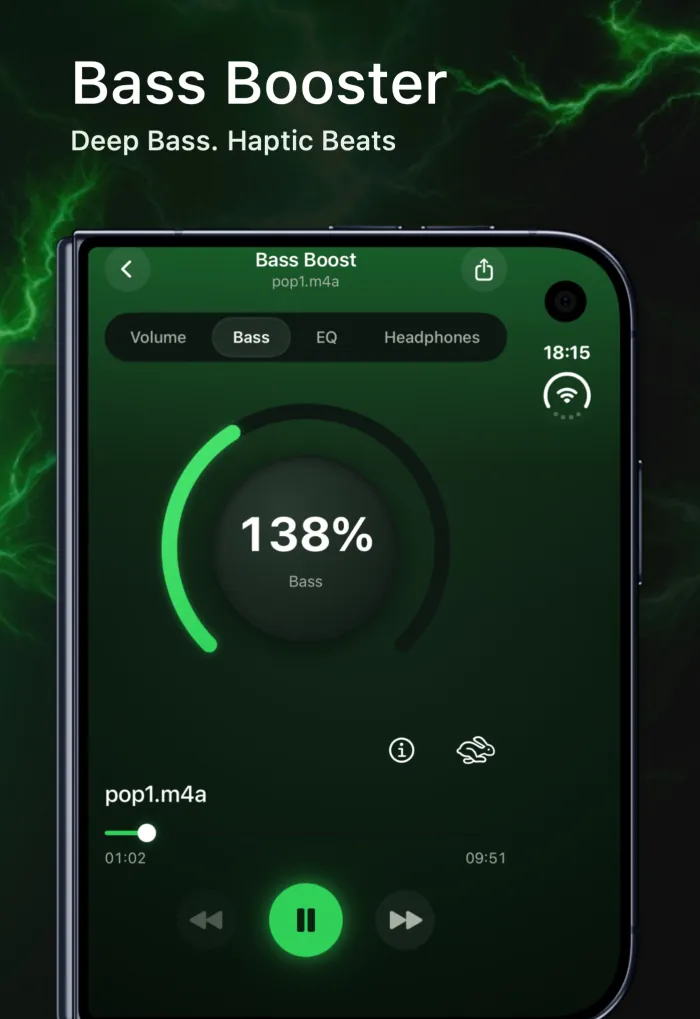
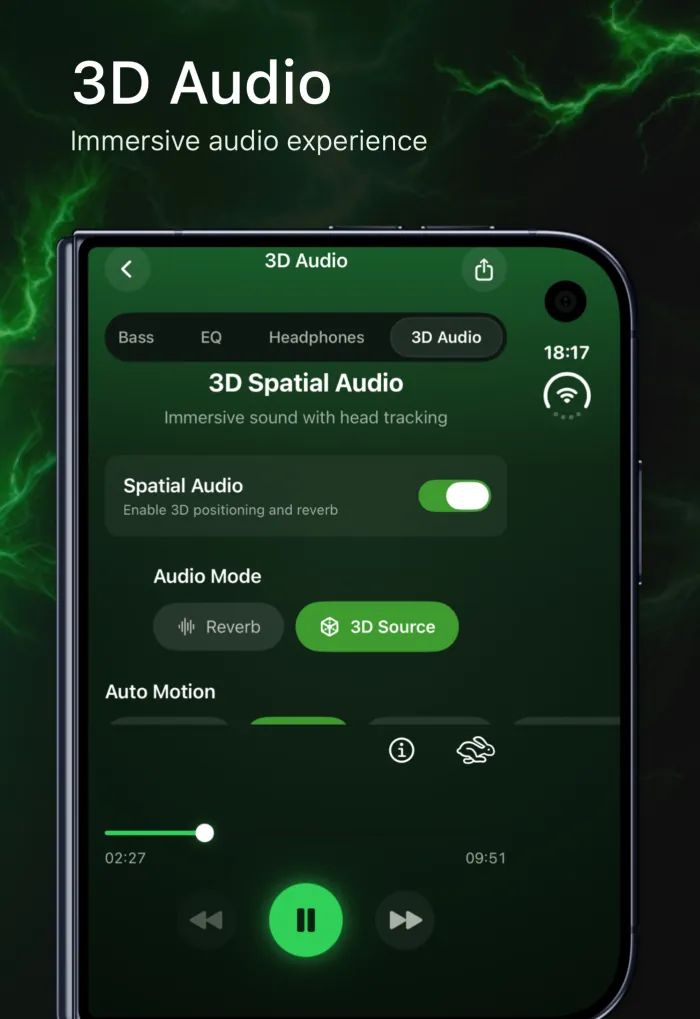
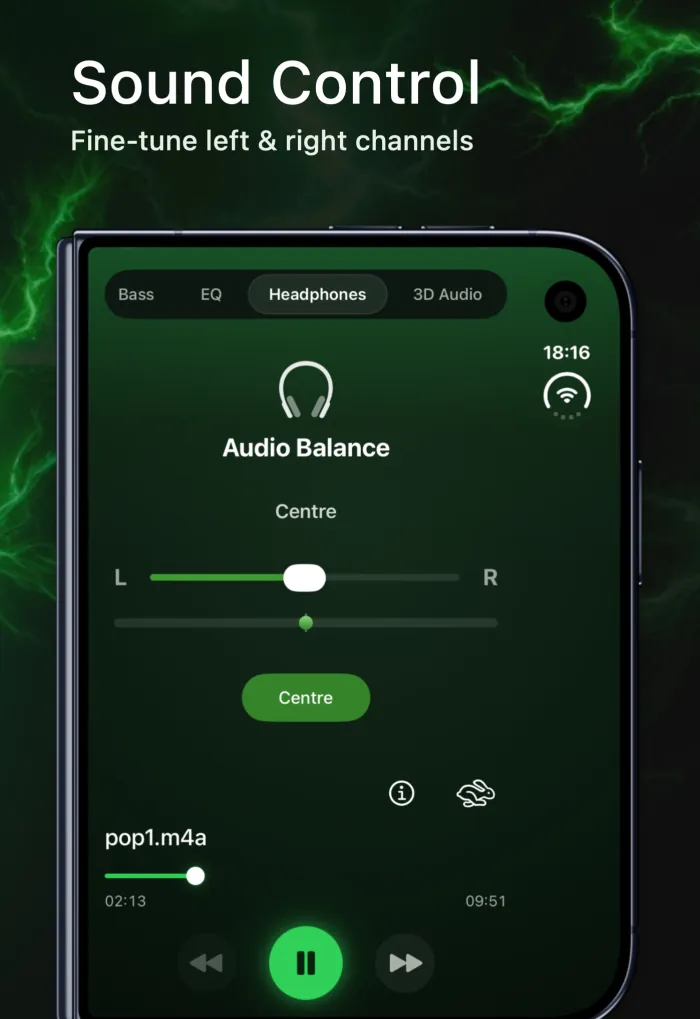
EQ is just one tool in the player. If you want more low end without touching every slider, read how to boost bass on iPhone speakers. If one side of your headphones sounds louder, our left-right balance guide covers both the iOS setting and the app's Headphones tab. To add room-like depth, see 3D audio on iPhone explained, or take a look at the equalizer overview on our home page.
Frequently asked questions
What is the best EQ setting for iPhone?
There is no single best setting. Start with the preset for the genre you play most, then adjust one band at a time by 2–3 dB while you listen. Settings that sound great on headphones often need less deep bass on the iPhone speaker.
Does the iPhone have a built-in equalizer?
Yes, for Apple's Music app only. Go to Settings › Apps › Music › EQ and pick a preset such as Bass Booster or Vocal Booster. You can't adjust individual bands, and it doesn't affect other apps.
Will EQfy's equalizer change Spotify or YouTube?
No. iOS only lets EQfy process audio played inside EQfy, so the equalizer can't change Spotify, YouTube, calls or system sounds. Import songs from your Music library or the Files app and play them in EQfy.
Why does my music crackle after I change the EQ?
Big boosts on top of a high preamp can push the signal past its limit, which causes clipping. Lower the preamp first, then reduce your biggest boost until the crackle disappears.
Is the EQfy equalizer free?
EQfy is free to download and Volume Boost is free. The 7-band equalizer and its presets are part of Premium. See the FAQ for plan details.