Make Spotify Louder on iPhone: Volume and EQ Tips
To make Spotify louder on iPhone, open Spotify, tap your profile picture, go to Settings and privacy, then Playback, and set Volume level to Loud. Spotify says Loud is meant for noisy places and gives less dynamic range. Then check the iPhone's own limits, such as Volume Limit and Reduce Loud Audio. No booster app can raise Spotify beyond that, because iOS only lets an app change the audio it plays itself.
Spotify's own volume settings
These settings live inside Spotify, so they work wherever you listen. According to Spotify's help page, the path on iPhone is:
- Tap your profile picture at the top of Spotify.
- Tap Settings and privacy.
- Tap Playback.
Volume level: Quiet, Normal or Loud
Spotify describes Loud as handy for noisy environments, with less dynamic levels, and Normal as the default. On its page for artists, Spotify gives the target loudness of each option: about −11 LUFS for Loud, −14 for Normal and −19 for Quiet. In plain terms, Loud plays about 3 dB louder than Normal. Spotify lists this setting for Premium listeners, so if you don't see it, your plan may be the reason.
Audio normalization
The same screen has Enable Audio Normalization. Spotify says normalization balances soft and loud songs so listening feels more uniform. If a track still sounds quiet, try turning it off and compare. Each song then plays at its own mastered level, so some may be louder and some quieter. It's worth a short test with songs you know.
Spotify's equalizer
Spotify's help page says the equalizer adjusts the levels of bass and treble in music and podcasts. On iPhone, go to Playback again, switch Equalizer on, then choose a preset or drag the dots to shape the sound yourself. Spotify doesn't publish the preset names or the exact bands, and which settings you see can vary, so look at your own screen rather than copying someone else's list.
A few tips for using any equalizer:
- Change one control at a time and listen before the next change.
- Small moves are enough. A few steps up on the bass or treble is audible; pushing the dots to the limit tends to cause distortion on loud tracks.
- An EQ shapes the sound; it isn't a volume knob. To sound louder, use Volume level and your iPhone's volume, and lower a control if the sound turns harsh.
Want to know how EQ bands work and which settings suit each genre? Our guide to the best EQ settings for iPhone explains each band in plain language.
Check the iPhone side too
Spotify can only be as loud as the iPhone lets it be. Before you change more settings, go through these:
- Volume Limit. Under Settings › Sounds & Haptics, make sure Limit Maximum Volume is off or set to the top.
- Reduce Loud Audio. For headphones, check Settings › Sounds & Haptics › Headphone Safety. If Reduce Loud Audio is on with a low limit, it caps the level.
- Spotify Connect. Spotify says you can't change audio settings while you play on another device with Connect, and that the iPhone's volume buttons don't control connected devices, so use the volume slider inside Spotify.
- Your speaker or Bluetooth device. If the sound goes to a speaker, car or headphones, they have their own volume as well.
The full checklist is in iPhone Volume Too Low? 12 Quick Fixes to Try, and how to make your iPhone louder than max volume covers the rest.
Where EQfy fits
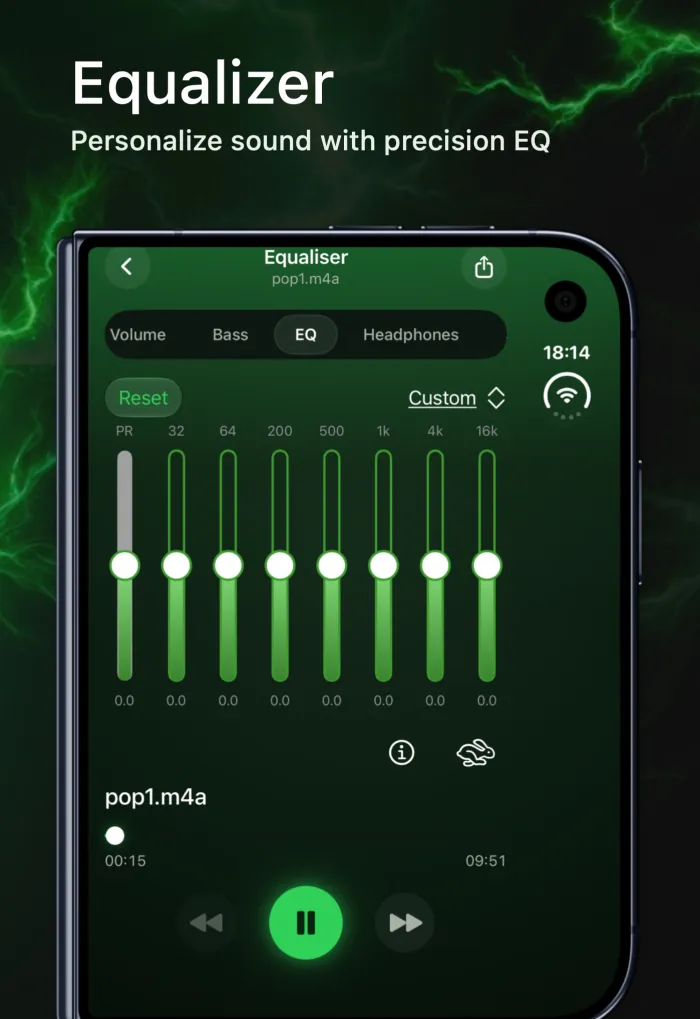
EQfy - Louder Volume can't change Spotify, YouTube, Apple Music streaming or any other app. It boosts songs you play inside EQfy, with a free Volume Boost of up to +12 dB. That works for music files you own, such as purchased songs or MP3s you import from the Files app, but not for Spotify tracks, which are protected and can't be imported. If Spotify is your main player, use Spotify's settings above.
Frequently asked questions
How do I make Spotify louder on my iPhone?
Open Spotify, tap your profile picture, then Settings and privacy, then Playback, and set Volume level to Loud. Then turn the iPhone volume up, and check the iPhone's own limits such as Volume Limit and Reduce Loud Audio.
Can a volume booster app make Spotify louder?
No. iOS only lets an app process audio that it plays itself, so booster apps, including EQfy, can't change Spotify. Spotify's own Volume level and Equalizer settings are the tools that work, together with your iPhone settings.
What are the best Spotify EQ settings?
There isn't one setting for every song. Start with a preset, change one control at a time, and keep the changes small. Raising the bass or treble a lot can make loud tracks distort, so lower a control instead if the sound turns harsh.
Why can't I change Spotify's volume settings?
Spotify's help pages say you can't change audio settings while playing on another device with Spotify Connect, and that the Volume level options are for Premium. If the options are missing, check both.