Slowed and Reverb on iPhone: How to Do It
To get a slowed and reverb sound on iPhone with EQfy - Louder Volume, open a song, choose a slower playback speed such as 0.85× or 0.75×, then switch on Spatial Audio and pick a Reverb preset like Large Hall. EQfy keeps the original pitch when it slows a track, so it sounds calmer rather than lower, and the reverb works inside the app: it isn't included if you share the song as a file.
What "slowed and reverb" means
A slowed and reverb version is a song played a little slower, with a big-room echo added. The slower tempo stretches every note, and the reverb adds the sense of a large hall or cathedral around it. The result is dreamy and spacious, which is why people use it for studying, winding down or falling asleep.
Many online edits are made by slowing the audio the way a record slows down: the speed and the pitch drop together, so the voice sounds deeper. EQfy works differently, and it's worth knowing before you start.
Step 1: slow the song down
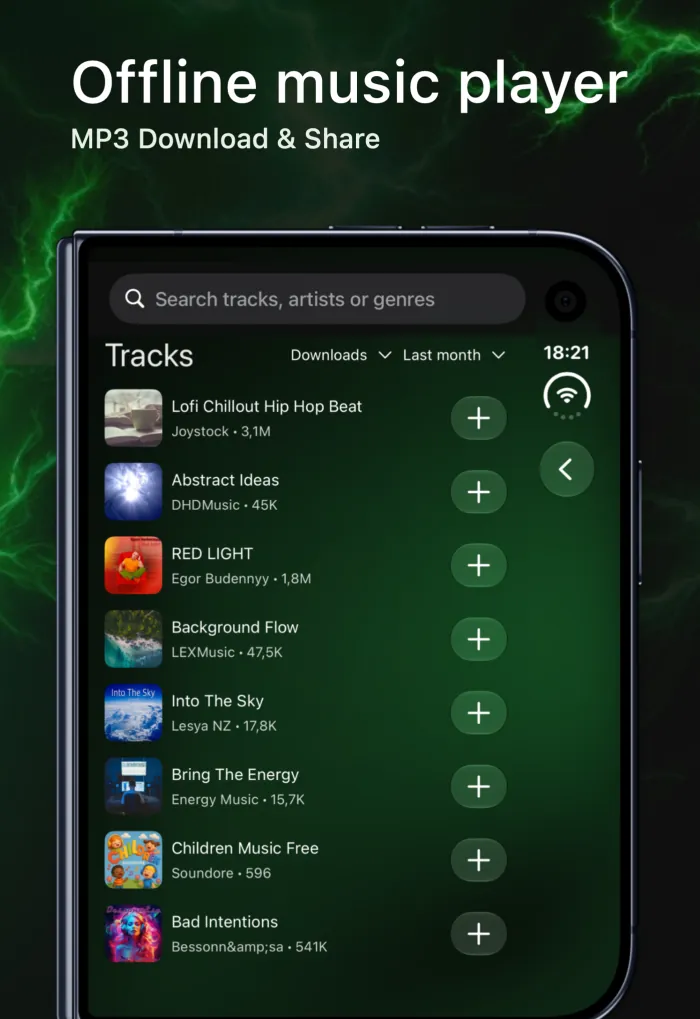
- Add a song to EQfy from your Music library or the Files app (see how to play MP3s offline on iPhone) and open it.
- Tap the hare icon in the row of buttons under the tools.
- Pick a speed. The menu has 11 fixed steps: 0.5×, 0.75×, 0.85×, 0.9×, 0.95×, 1.0×, 1.15×, 1.25×, 1.5×, 1.75× and 2.0×.
For a slowed sound, 0.85× is gentle and natural, 0.75× is clearly slower, and 0.5× is half speed, which suits slow instrumental music better than fast songs. The icon fills in when the speed isn't 1.0×, so you can see at a glance that it's changed. The speed isn't saved, so it goes back to 1.0× when you relaunch the app.
Step 2: add reverb
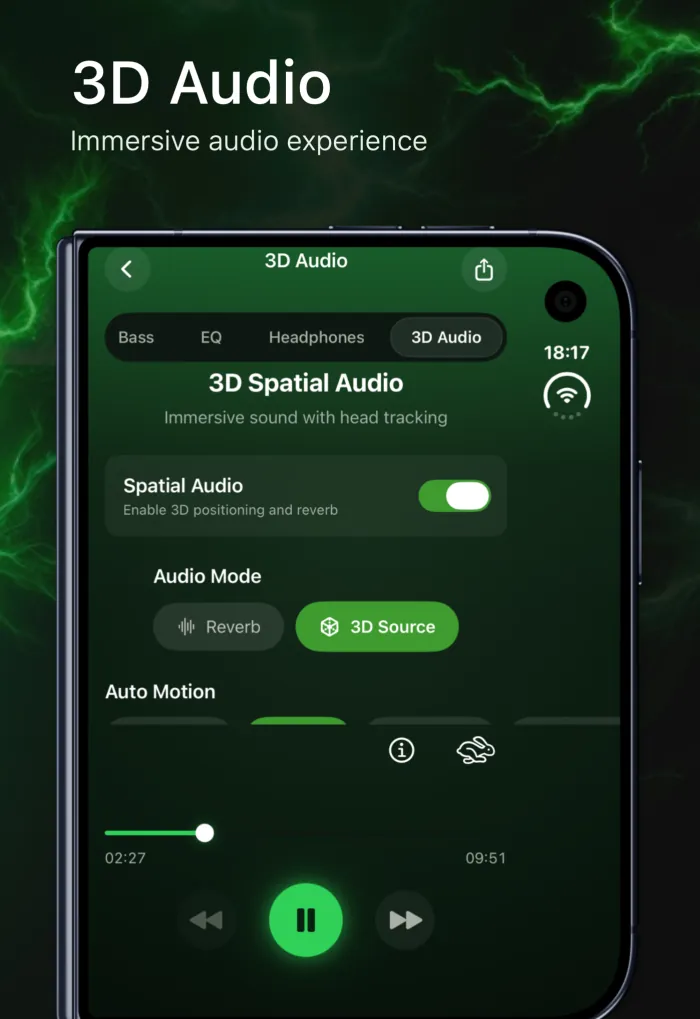
- Open the 3D Audio tab of the same song.
- Switch on the Spatial Audio toggle. Despite the name, this controls EQfy's own effect, not Apple's Spatial Audio.
- Under Audio Mode, choose Reverb. It's the default mode.
- Pick a preset under Reverb Environment and set the Reverb Blend slider.
The nine presets are Small Room, Medium Room, Large Room, Medium Hall, Large Hall, Medium Chamber, Large Chamber, Cathedral and Plate. For a slowed and reverb sound, start with Large Hall at about 40–50% blend. Cathedral is the most dramatic, and Plate gives a smooth, bright shimmer that suits vocals. Reverb Blend runs from fully dry (0%) to fully wet (100%) in 5% steps, and it starts at 50%.
Your reverb choices are saved, so they're still there next time you open the app. Changing a preset rebuilds the audio chain, so you may hear a brief glitch while it switches. Our guide to 3D audio on iPhone explains every preset and the 3D Source mode in more detail.
Fine-tune the sound
- Start subtle. A low blend sounds more natural. Too much reverb on a slow song turns vocals into a wash.
- Roll off the highs. Slowed songs often sound better with a little less treble. Lower the 4 kHz and 16 kHz bands a few dB in the equalizer. The preset values are in our EQ settings guide.
- Add bass gently. A small Bass Boost makes a slowed track feel warmer, but too much muddies the reverb.
- Mind the level. If you also use Volume Boost, keep it moderate and listen for any harshness, especially at a high reverb blend.
What you can and can't save
This is the honest limit. When you share a song from EQfy, the file includes the speed, volume boost, equalizer and bass you set, plus the built-in peak limiter. It does not include the reverb, 3D Audio or balance. So you can listen to a slowed and reverb version inside EQfy, but you can't export that exact mix as a file. If you need the finished file for something else, you'd have to record the playback some other way, and you should only do that with music you have the rights to use.
If you do share a slowed copy, play it back first to check that it sounds as you expect.
Frequently asked questions
What is slowed and reverb?
It is a way of listening to a song at a slower tempo with a large-room reverb added, so the track sounds dreamier and more spacious. People make slowed and reverb versions of songs for studying, relaxing and sleeping.
Does EQfy lower the pitch when it slows a song down?
No. EQfy changes the tempo and keeps the original pitch, so a slowed song stays in the same key. It has no pitch control, so it can't make the deeper, tape-style sound of some slowed edits.
Can I save a slowed and reverb version as a file?
Not with reverb. When you share a song from EQfy, the file includes the speed, volume boost, equalizer and bass you set, but not reverb, 3D Audio or balance. Reverb is for listening inside the app.
Is the speed control free?
Playback speed on the player screen and the reverb effect are part of EQfy Premium. EQfy is free to download, and Volume Boost and the music library stay free. See the FAQ for plan details.