How to Play MP3 Files on iPhone Offline
To play MP3 files on your iPhone offline, import them into an offline player such as EQfy - Louder Volume. Tap the plus button, choose Files or Music Library, and pick a song. EQfy copies it into the app, so it keeps playing in the background with no internet connection. You can sort songs into playlists, and the Volume Boost dial works on every track you add.
Why use an offline player for MP3s?
MP3s you've saved from a website, a computer or a cloud drive sit in the Files app, where you can preview them but can't build playlists or add effects. An offline player copies the file inside the app, keeps your playlists, and plays without a connection, which is handy on a plane, on the subway or when you want to save mobile data.
Three ways to add songs
1. From the Files app
- On the Home tab, tap a tool such as Volume Boost, or open the Music tab and tap the add button.
- Choose Files in the Choose a Track sheet. It covers iCloud Drive and other cloud storage that appears in the Files app.
- Pick the audio file. EQfy accepts audio files such as MP3 and M4A, one at a time, and copies it into the app.
If you've saved a song from a cloud drive, make sure it has finished downloading to your iPhone first. Whether a specific file plays depends on whether iOS can decode it. Video files, such as MP4 or MOV, can't be imported; EQfy works with audio only.
2. From your Music library
Choose Music Library to pick songs you bought or synced to your iPhone. Only songs downloaded to the device show up, and you add them one at a time. EQfy makes an .m4a copy inside the app, so every tool works on it. The first time, iOS asks for permission to access your Music library.
3. From Find more
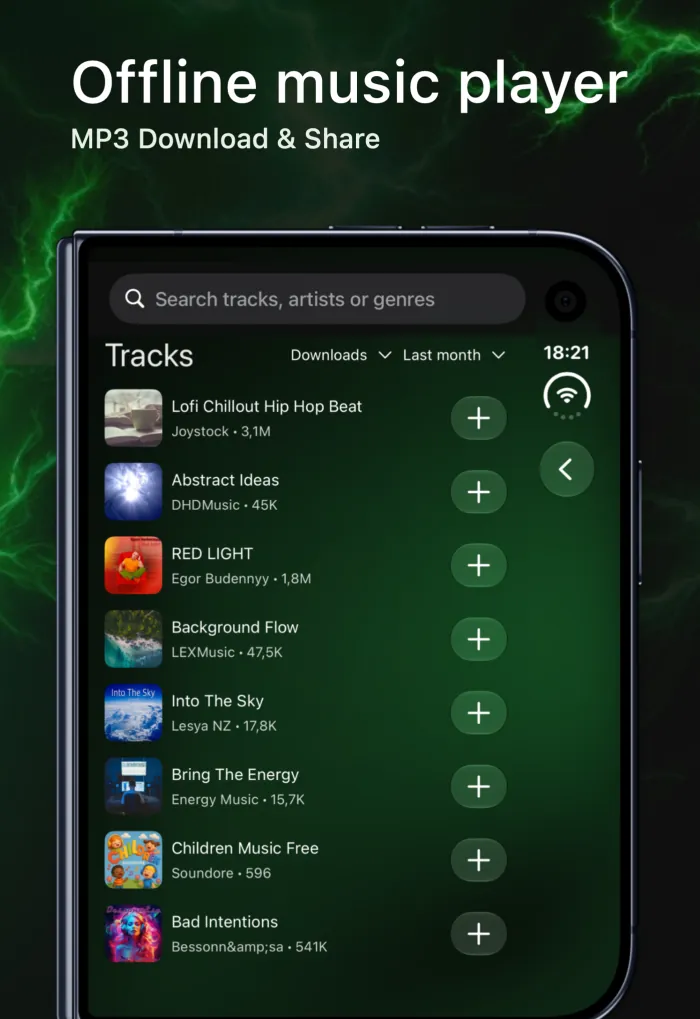
The Music tab has a search icon and a Find more button. It lets you browse genres and artists, search for tracks and play them, which needs an internet connection because the song streams. Add a track to a playlist and EQfy downloads the whole file into the app, so it plays offline from then on. The separate Preview Songs section holds clips of up to 30 seconds, not full songs.
Playlists and your library
- Create playlists with the plus button in the Playlists section, and rename or delete them later.
- Move a song into a playlist from its three-dot menu, where you can also rename or delete it.
- All My Music lists everything you've added, newest first, and next and previous follow the list you started from.
- Recent on the Home tab shows the last 10 tracks, so you can jump back in.
- Remove all my music in Settings clears the library if you ever want a fresh start.
What works with no connection
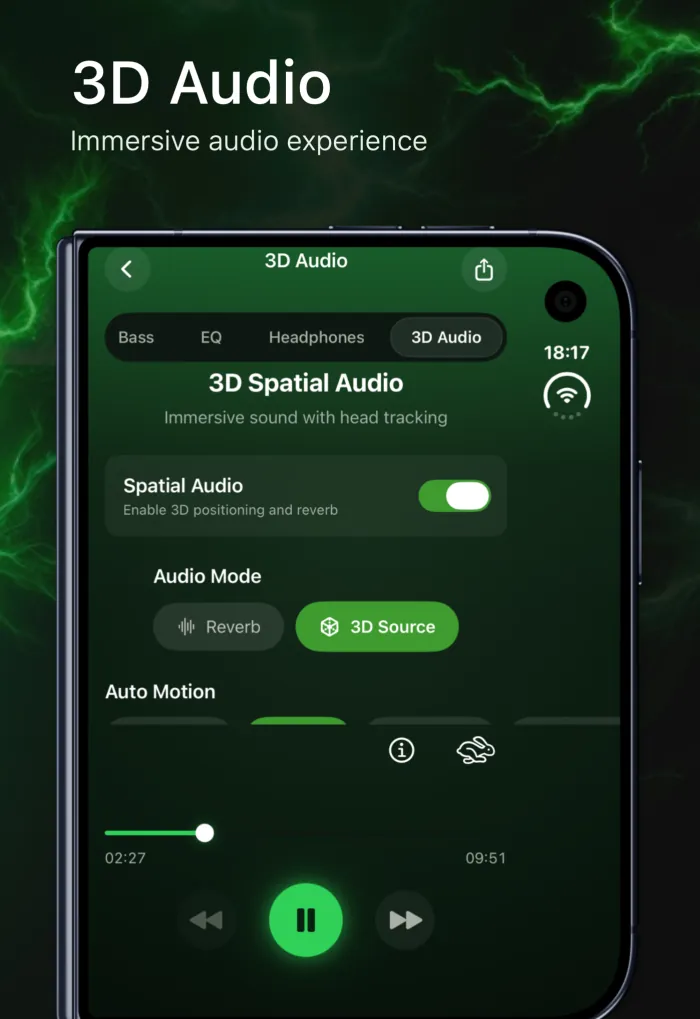
Playback is fully offline and keeps going when you lock the phone or switch apps. The Volume Boost dial and the speed control also work. With no internet, though, the player screen shows only the Volume dial: Bass, the equalizer, Headphones and 3D Audio come back when you're online again. The Music tab hides its Genres and Artists sections offline, and the AI tab is hidden too. If you need those tools on a trip, set up your sound before you go offline.
Once a song is playing, you can make it louder with the free Volume Boost dial, or slow it down and add reverb with Premium. If a quiet track is the reason you're here, read how to make your iPhone louder than max volume too.
Frequently asked questions
How do I play MP3 files on my iPhone without internet?
Import the MP3 into an offline player such as EQfy. Tap the plus button, choose Files, pick the song, and it's copied into the app so it plays with no connection. You can do the same with downloaded songs from your Music library.
Which audio files does EQfy accept?
From the Files app you can pick audio files such as MP3 and M4A, one at a time. Whether a particular file plays depends on whether iOS can decode it. Video files can't be imported.
Can I play Apple Music downloads offline in EQfy?
No. Songs from an Apple Music subscription are copy-protected, and iOS doesn't let other apps process them. Songs you bought or synced to your iPhone, and files you imported, work.
Do the volume and EQ tools work offline?
Playback, Volume Boost and speed work without a connection. With no internet, the player shows only the Volume dial, so Bass, EQ, Headphones and 3D Audio appear once you are back online.