AirPods Sound Muffled? Find the Cause and Fix It
When AirPods sound muffled on both sides and the sound got worse over weeks, wax on the speaker mesh is the likely cause. One dull side points to debris on that AirPod or the Balance slider. If it started after a call, a workout or a cleaning, the cause is more likely Bluetooth's microphone mode or moisture. Spend two minutes testing with a song you know before you scrub anything.
Why do my AirPods sound muffled? Test them first
Pick a song you know well, ideally with cymbals or a sharp vocal, and set the volume around halfway. Then:
- Close any app that uses a microphone, such as Zoom, Discord or a game with voice chat.
- Listen with the left AirPod alone, with the right one in the closed case. Swap and repeat.
- Play the same song on other headphones, or on the iPhone speaker.
- On AirPods with noise control, press and hold the stem, or use the volume control in Control Center, and compare Noise Cancellation, Transparency and Off.
If the song sounds fine on other headphones, the AirPods are the problem. Dull only in Noise Cancellation points to the seal first, then the mesh.
| What you notice | Likely cause | Go to |
|---|---|---|
| Both sides dull, getting worse slowly | Wax or dust on the mesh | Clean the mesh |
| One side duller than the other | Debris on that side, or the Balance slider | Clean the mesh, then Settings |
| Thin, no bass, or dull only in Noise Cancellation | Seal or dirty mesh | Check the seal |
| Started during a call or video chat | Bluetooth microphone mode | After a call |
| Started after rain, sweat or a cleaning | Moisture | Let them dry |
| Other headphones sound dull too | The song, an iPhone setting, or your ears | Settings |
Clean the mesh the way Apple says
Look at the dark speaker mesh in good light. On AirPods Pro, pull the ear tips off first, because wax hides under them. The support page on one AirPod sounding quieter starts with the same check.
Apple's method needs micellar water that contains PEG-6 Caprylic/Capric Glycerides (Apple names Bioderma and Neutrogena), distilled water, a soft-bristled children's toothbrush, two small cups and a paper towel. A Belkin AirPods Cleaning Kit also works.
- Dip the brush in the micellar water and brush the mesh in circles for about 15 seconds.
- Blot the mesh on the paper towel. Do this three times in total.
- Repeat with the distilled water to rinse.
- Let the AirPods dry for at least two hours before you use them or put them in the case.
Those steps are written for AirPods 3, 4 and 5 and AirPods Pro 2 and 3. The photos there circle the meshes you may clean, and you should leave the rest alone.
AirPods Max have their own page. The steps above don't name older pairs. For those, I'd use a dry, soft brush and a light touch.
When they're dry, replay the song from the test. Listen for the cymbals. If they're still dull, keep reading.
Plenty of guides suggest a swab with isopropyl alcohol on the mesh. I'd skip it. Apple's method leaves alcohol out and allows it only on a slightly damp cloth for the body and case. Don't use pins or toothpicks either. A torn mesh is a repair. Ear tips can be rinsed with plain water, no soap, and must be fully dry before they go back on.
If one side is still weaker afterwards, our guide to one AirPod louder than the other picks up from here.
Thin sound and no bass: check the seal
A leaky fit usually sounds thin rather than muffled, though most people use the same word for both. You still hear voices clearly while the bass drops away. On AirPods Pro, wear both, go to Settings › Bluetooth, tap ⓘ next to your AirPods and run the Ear Tip Fit Test (Pro 1 and 2) or Acoustic Seal Test (Pro 3). Then try another tip size. Our guide to more bass on AirPods has the detail.
Apple's noise cancellation page says less bass or more background sound with Active Noise Cancellation on can mean they need cleaning. Covered outer microphones also cause trouble, so check that a hat or your hair isn't pressing on them.
AirPods sound muffled after a call or video
Bluetooth headphones switch to a lower-quality mode when their microphone is on, and Apple says the quality stays reduced "until the microphone is no longer in use". That line is from a Mac article, and I didn't find the same wording for iPhone. Still, music that goes flat the moment a voice app takes the mic fits the description.
- End the call and fully close the app that used the mic. Swipe it away in the App Switcher, because a game's voice chat can keep running.
- Put both AirPods in the case, close the lid for 30 seconds, then try the song again. This one is my suggestion, not Apple's.
Calls will always sound worse than music. If callers say you sound muffled, check the microphone mesh too. The same cleaning steps apply to any mesh Apple circles for your model.
Muffled after water, sweat or a cleaning
Apple's advice for wet AirPods is to wipe them with a soft, dry, lint-free cloth and let them dry for at least two hours before you use them or put them in the case. It also says no heat and no compressed air, so keep the hair dryer away. Other sites say 24 or 48 hours, but Apple gives no such figure. If it's still dull at two hours, wait longer.
Water resistance also fades with age, so don't assume an old pair survives the workouts it used to. And if the sound went dull right after you scrubbed the mesh, stop cleaning. I'd give it one day, which is my number and not Apple's. If it's still muffled after that, book a repair.
Settings that make AirPods sound dull
If other headphones sound dull too, or the buds tested fine, go through these.
- Balance. Settings › Accessibility › Audio & Visual. Drag the slider to the middle.
- Headphone Accommodations. On the same screen. It changes tone and amplification, so a setup you made months ago, or someone else's, can color everything. Turn it off to compare.
- AirPods Equalizer. On models that have it (AirPods 4 or later, AirPods Pro 2 or later, AirPods Max 2), tap your AirPods in Settings, then Audio & Routing › Equalizer, and pick Recommended.
- Music EQ. Settings › Apps › Music › EQ. A preset like Treble Reducer dulls Apple Music on purpose. Choose Off.
- The song. A low-quality upload sounds dull on anything. Try a second track from another source before you blame the AirPods.
Still muffled? Reset, then service
Check for a firmware update, then reset the AirPods. The steps differ by model, and our AirPods volume guide walks through both. If one bud stays dull after a clean mesh and a reset, Apple's next step is service, so get a quote for your model.
If every pair of headphones sounds muffled to you, and so do voices with no headphones on, the cause may not be the gear. See a doctor or hearing professional.
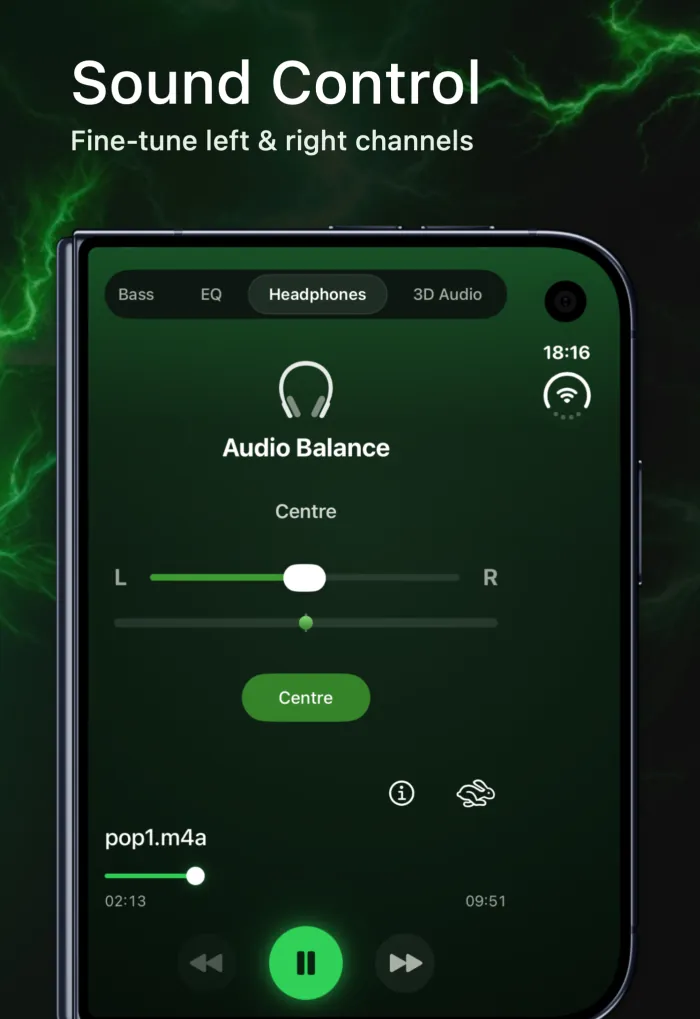
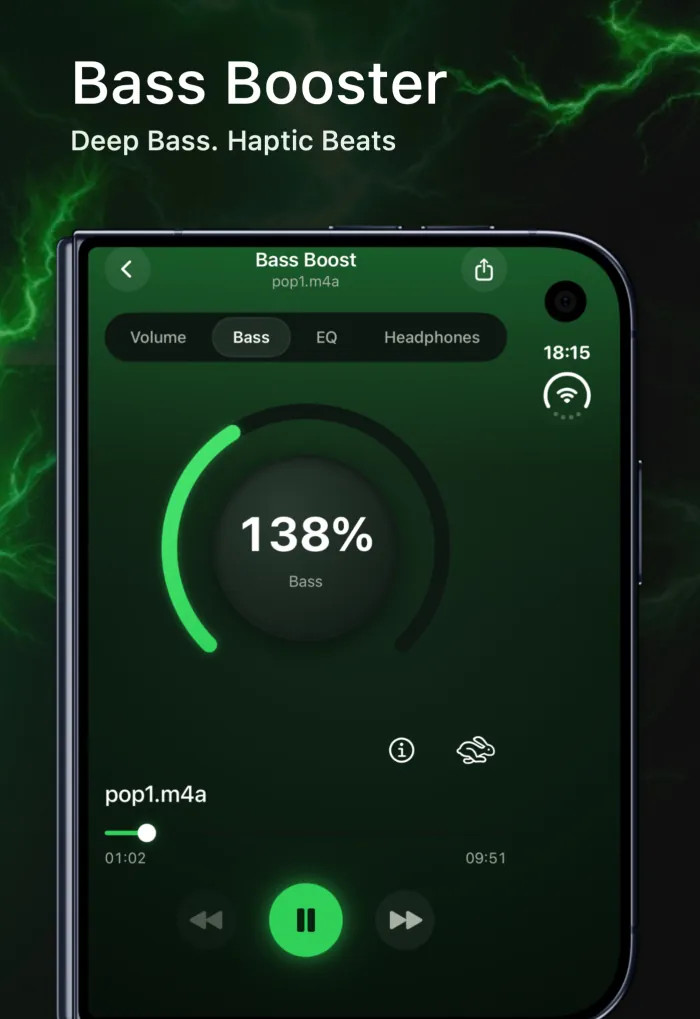
What EQfy does for muffled AirPods
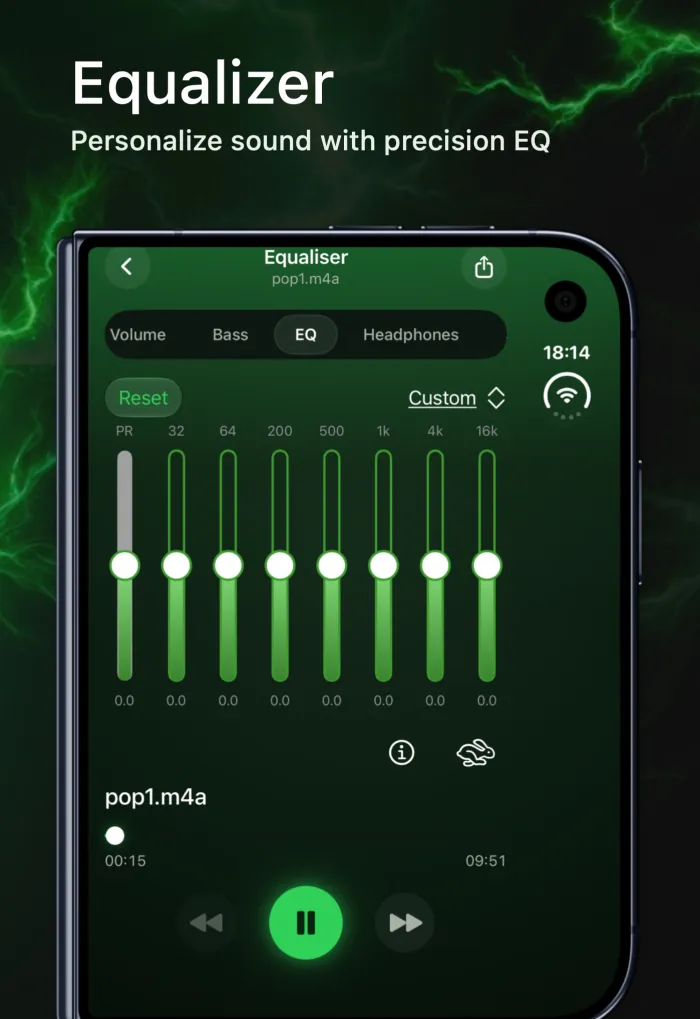
EQfy (on the App Store as Volume Booster Sound Amplifier) can't clean a mesh or seal an ear tip, and boosting treble through wax mostly adds harshness, so do the fixes above first.
I'd only reach for it when clean AirPods are playing a dull file, like an old MP3 or a recording you imported. The 7-band equalizer (Premium) has bands at 4 kHz and 16 kHz for that. Start by raising each about 2 or 3 dB, or try the Acoustic preset, which sets +3 dB at 4 kHz, +4 dB at 16 kHz and −2 dB at 200 Hz. Our EQ settings guide explains what each band does. Sliders don't save between launches, so note the numbers you like.
Frequently asked questions
Why do my AirPods sound muffled all of a sudden?
After a call or voice chat, Bluetooth may still be in its lower-quality microphone mode, so close the app. After rain, a workout or a cleaning, suspect moisture. Wax builds up slowly, but you may only notice it one day.
Why do my AirPods sound muffled on calls?
Apple says Bluetooth headphones lose audio quality while their microphone is in use, so don't expect a call to sound as full as music. If callers say you sound muffled, the problem is on the microphone side: check the mesh on each AirPod for debris and clean it the way Apple describes.
Can I use isopropyl alcohol on AirPods mesh?
It isn't part of Apple's mesh method, which uses micellar water and distilled water on a soft toothbrush. Apple allows isopropyl alcohol only on a slightly damp cloth for the body and case.
Why are my AirPods muffled after cleaning?
They may still be damp, so give them at least two hours. If they're still dull a day later, stop cleaning and ask Apple to look at them.
Can an app fix muffled AirPods?
No app can clear a blocked mesh or a broken seal. EQfy's equalizer can brighten a dull audio file played inside EQfy, with Premium, but it can't change Spotify, YouTube, Apple Music subscription tracks or calls.