EQfy vs Boom: Which iPhone Booster Should You Get?
EQfy - Louder Volume and Boom: Bass Booster & Equalizer both make music on your iPhone louder and fuller, but they suit different people. EQfy is the simpler, free-to-start option: its Volume Boost adds up to +12 dB at no cost, and Premium adds a bass booster, a 7-band equalizer, 3D audio and AI Studio tools. Boom is a full music player built around a 16-band equalizer, headphone profiles and streaming from TIDAL, radio and podcasts, with a 7-day trial before a subscription.
We make EQfy, so we've kept this comparison to facts you can check: EQfy's details come from the app itself, and Boom's come from its US App Store listing as of October 11, 2026. Where Boom does more, we say so.
EQfy vs Boom at a glance
| EQfy - Louder Volume | Boom: Bass Booster & Equalizer | |
|---|---|---|
| Price model | Free download. Volume Boost, library and player stay free; optional Premium for the other tools | Free download with a 7-day trial; subscription for full access |
| Volume boost | 100% to 200% dial, up to +12 dB (free) | Not described as a separate feature in its App Store listing |
| Bass booster | Up to +12 dB low-shelf around 200 Hz | Yes |
| Equalizer | 7 bands (32 Hz–16 kHz) + preamp, 9 presets | 8- or 16-band custom EQ, 29 presets |
| Headphone tuning | Left/right balance | Headphone EQ for 5,000+ headphone models |
| 3D sound | 3D Audio: 9 reverb rooms, 3D Source with 4 motion patterns, head tracking with supported AirPods | Patented 3D Surround Sound |
| Music sources | iPhone Music library, Files app, free music discovery, offline playback | Phone library, Files, Dropbox, Google Drive, OneDrive, Wi-Fi transfer, web downloads, TIDAL, 40K radio stations and podcasts |
| Extras | AI Studio (music generator, sound effects, text to speech, noise reducer), haptic player, playback speed, export | Visualizer, synced lyrics, CarPlay |
| Requires | iOS 16 or later | iOS 15 or later |
| US App Store rating (Oct 2026) | 4.5 (40 ratings) | 3.9 (4,500+ ratings) |
Price: free boost vs free trial
This is the clearest difference. EQfy is free to download, and the Volume Boost dial, the music library, music discovery and the offline player stay free with no time limit. Bass Boost, the equalizer, balance, 3D Audio, playback speed, the haptic player and export are part of the optional Premium subscription, and AI Studio uses credits. You can see what's free on our FAQ page.
Boom's listing describes a 7-day trial that gives "unrestricted access to all features", followed by an auto-renewing subscription. If you want to keep using a booster without paying, EQfy's free Volume Boost is the simpler route. If you're happy to subscribe for a feature-packed player, Boom's trial is a good way to test it first.
Loudness and bass
If your main problem is that songs are too quiet, EQfy is built around that job. The Volume tab adds digital gain on top of the iPhone's own maximum, from 100% to 200%, which equals up to +12 dB. Every playback chain runs through a peak limiter that helps reduce harsh clipping, though no app can stop a small speaker from distorting if you push it too far. Our guide to making your iPhone louder than max volume shows the settings to check first.
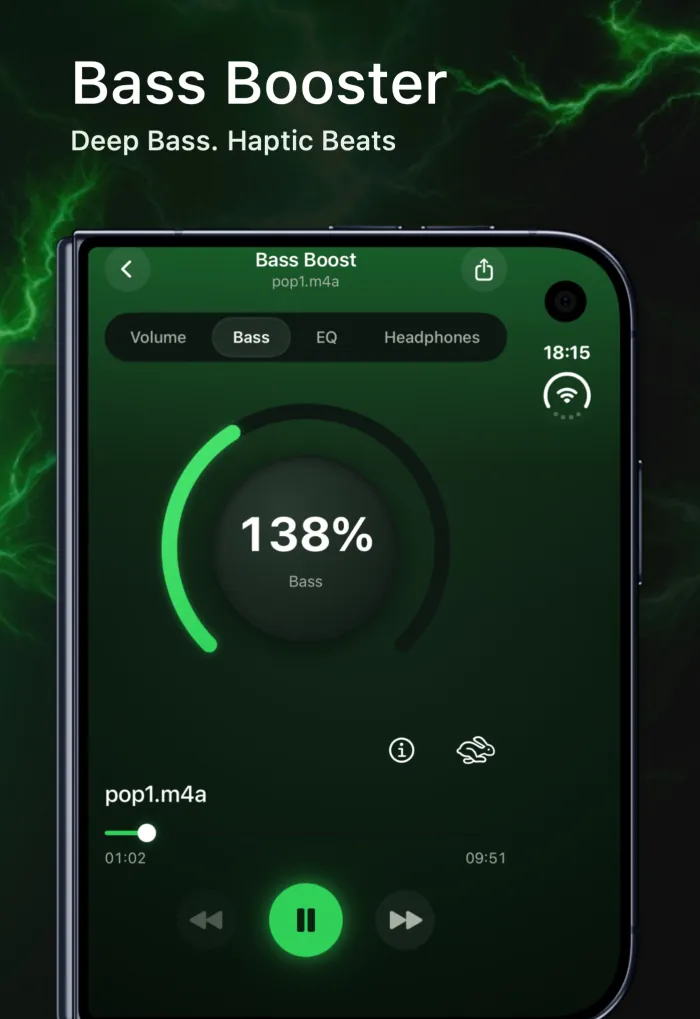
For bass, both apps have a dedicated booster. EQfy's Bass Boost lifts the range around 200 Hz, which is the part of the bass that iPhone speakers can actually reproduce; how to boost bass on iPhone explains why that matters. Boom pairs its bass booster with its 3D Surround Sound and headphone profiles, which is where it shines.
Equalizer: 7 bands vs 16 bands
Boom wins on detail. Its custom equalizer has 8 or 16 bands and 29 presets, and its Headphone EQ can tune the sound for more than 5,000 headphone models. If you enjoy fine-tuning every frequency, that's hard to beat.
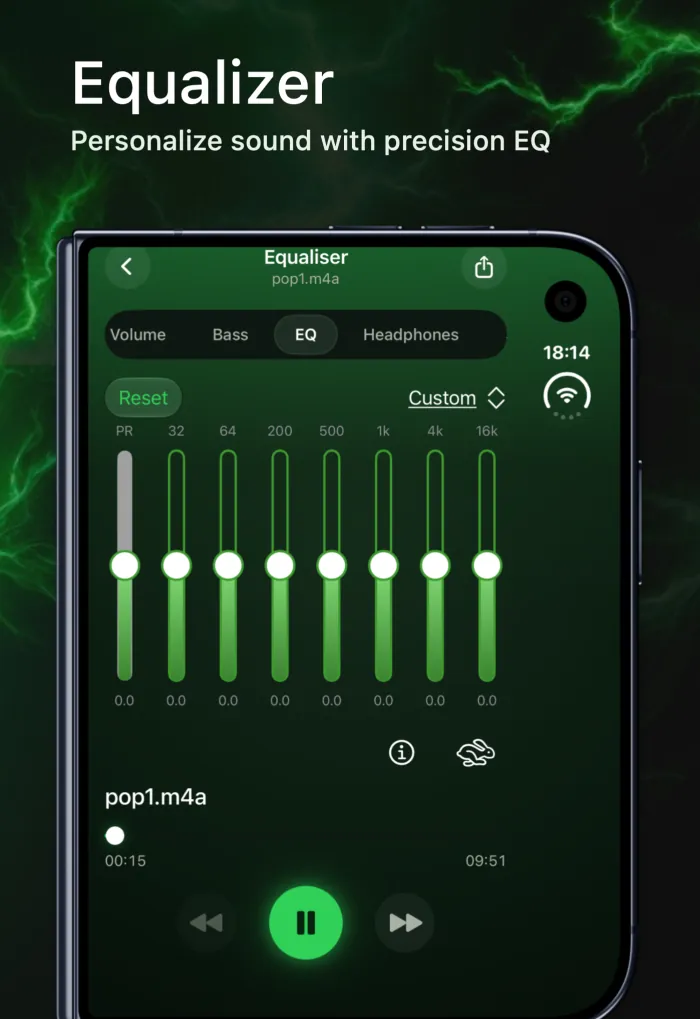
EQfy keeps it simpler: 7 bands at 32 Hz, 64 Hz, 200 Hz, 500 Hz, 1 kHz, 4 kHz and 16 kHz, a preamp, and 9 genre presets (Rock, Jazz, Electronic, Classical, Reggae, Rap, R&B, Dance and Acoustic). Seven bands are enough to add sub-bass, clean up muddy vocals or brighten the treble, and you can find the exact values of every preset in our guide to the best EQ settings for iPhone. One honest limit: EQfy doesn't save custom presets yet.
Where your music comes from
Boom is the bigger music hub. Besides your phone's library and the Files app, it lists Dropbox, Google Drive and OneDrive, Wi-Fi transfer from a computer, downloads from supported websites, TIDAL, and 40,000 radio stations and podcasts. It also supports CarPlay, a visualizer and synced lyrics.
EQfy imports songs from your iPhone's Music library and from the Files app (MP3, M4A and more), lets you discover free tracks with "Find more", and plays everything offline. It doesn't connect to streaming services.
Extras that set them apart
- In EQfy (not mentioned in Boom's listing): AI Studio, with a music generator that composes a song from a text prompt, plus sound effects, text to speech and a noise reducer; a haptic player that makes your iPhone vibrate to the beat; playback speed from 0.5× to 2×; and left/right audio balance. iPhone Duo support with a sidebar and side-by-side layouts is coming in v2.2.23.
- Only in Boom: Headphone EQ profiles, TIDAL, radio and podcasts, cloud storage sources, a visualizer, synced lyrics and CarPlay. Its maker also sells Boom 3D for Mac.
Both have 3D sound. Boom uses its own patented 3D Surround Sound. EQfy's 3D Audio has 9 reverb rooms, from a small room to a cathedral, and a 3D Source mode that moves the sound around you, with head tracking on supported AirPods such as AirPods Pro or AirPods Max. Read 3D audio on iPhone, explained for how it compares with Apple's Spatial Audio.
Which should you choose?
- Choose EQfy if you mainly want your own songs and audio files louder without paying, you like simple controls, or you want AI music tools and haptics in the same app.
- Choose Boom if you want a detailed 16-band equalizer, profiles for your exact headphones, CarPlay, or one player for TIDAL, radio, podcasts and cloud files.
- Choose neither if you need Spotify, YouTube or calls to be louder. Check those apps' own settings and our list of fixes for iPhone volume that's too low.
Because both apps are free to download, the easiest test is to import the same song into each and listen through the speaker or headphones you use every day. Whichever you choose, keep the volume at a comfortable level; our guide to safe volume boosting explains why. Get EQfy on the App Store; in the US it's listed as Volume Booster Sound Amplifier.
Frequently asked questions
Is EQfy a good alternative to Boom?
It depends on what you use Boom for. EQfy is a good alternative if you mainly want to make your own songs louder for free, add bass and EQ, or use AI music tools. Boom is the better fit if you want a 16-band equalizer, headphone profiles, TIDAL, radio and podcasts in one player.
Which is free, EQfy or Boom?
Both are free to download. EQfy's Volume Boost (up to +12 dB) and its music library and player are free to keep using, and Premium unlocks the other tools. Boom's App Store listing offers a 7-day trial and then a subscription for full access.
Can EQfy or Boom make Spotify or Apple Music louder?
No. iOS only lets an app process the audio it plays itself, so neither app can boost Spotify, YouTube, calls or system sounds. Songs from an Apple Music subscription are DRM-protected, and iOS doesn't let third-party apps process protected audio.
Which app has the better equalizer?
Boom has the more detailed one: an 8- or 16-band custom equalizer and 29 presets. EQfy has 7 bands (32 Hz to 16 kHz) plus a preamp and 9 genre presets, which covers bass, vocals and treble without a lot of sliders. See our EQ settings guide for exact values.