iPhone Microphone Not Working? Test and Fix It
When an iPhone microphone is not working, run a two-minute test before you reset anything: record a Voice Memo, then a short video with each camera. Your iPhone has several mics, and these clips don't all use the same one. Which clip fails tells you where to look next.
iPhone microphone not working? How to test it
This is Apple's own check. Take off the case and any screen protector or film first, and disconnect AirPods and other headsets so you're testing the phone.
- Open Voice Memos and record ten seconds, speaking near the bottom of the iPhone. Play it back.
- Open Camera and film a short video, speaking near the top of the iPhone. Play it back.
- Switch to the other camera and film a second video, again speaking near the top. Play it back.
Say the same sentence at the same distance each time, or you won't be able to compare the clips.
| What you hear | What it points to | Go to |
|---|---|---|
| All three clear, but people can't hear you on calls | Mute, Bluetooth, call routing or the network | Calls only |
| All three clear, but one app gets no sound | That app's access or its own settings | One app only |
| Voice Memo silent or dull, videos fine | Dirt or a failed mic near the bottom edge | Clear the openings |
| One or both videos silent or dull, Voice Memo fine | Dirt, a case over the top of the phone, or a failed mic | Clear the openings |
| Every clip silent | Software first, hardware if a restart changes nothing | Restart, update, repair |
| Every clip works, your voice is just faint | Your grip, distance or Mic Mode | Quiet or muffled |
Apple uses the Voice Memo to check phone and FaceTime calls, and the videos to check speakerphone. If callers only complain when you're on speakerphone, judge it by the videos.
Clear the microphone openings
If the phone got wet recently, skip the brush for now and let it dry. Water can dull a mic until it evaporates, so a wet phone may only need time. Leave it somewhere dry with some airflow, away from heat and out of the rice. Test again in a few hours, and if it's still dull the next day, restart it.
Sweep the openings with a small, dry, soft-bristled brush. Start at the bottom edge beside the charging port, where pocket lint collects, then do the slot above the screen and the area around the rear cameras. The same method works for the speaker, and our guide on cleaning the iPhone speaker shows it in more detail. No compressed air, no sprays, and keep pins and SIM tools away from the holes.
Then look at what you took off. A thick case or a film that has shifted can sit right over an opening. Record a clip with the case on and one with it off. If the second sounds better, buy a different case. If neither improves after brushing, skip to the restart steps.
People can't hear me on iPhone calls
If your Voice Memo sounds clear but callers keep saying "hello?", the mic is probably fine. I'd work down this list, quickest check first:
- Mute. Look at the Mute button on the call screen. A stray finger can turn it on, especially on speakerphone.
- Bluetooth. A headset or a car parked outside can take over the call, and then their mic is the one in use, not the iPhone's. Turn Bluetooth off in Settings › Bluetooth and call again.
- Call Audio Routing. In Settings › Accessibility › Touch › Call Audio Routing, choose Automatic unless you set something else on purpose.
- Mic Mode. During the call, open Control Center and tap the app's controls at the top. If Voice Isolation or Wide Spectrum is selected, switch to Standard and ask whether you sound better. The modes are explained in our Voice Isolation guide.
- The line. Move somewhere else, then try someone else on a different network, or try FaceTime audio over Wi-Fi. One bad call followed by a good one usually means the connection.
If it's the other way round and you can't hear them, the microphone isn't involved. Start from iPhone no sound instead.
Microphone not working in one app: check iPhone microphone settings
When WhatsApp, Instagram or Zoom records nothing while Voice Memos works, the usual cause is a permission you declined the first time the app asked. Go to Settings › Privacy & Security › Microphone and turn the switch on for that app. Then close the app fully and reopen it.
If the switch is already on or the app isn't listed, Apple's advice is to contact the developer. Before you write to them, check for an update in the App Store and look inside the app for a mute button or input setting.
While the app says it's recording, look at the top of the screen. In Apple's wording, an orange indicator means an app is using the microphone, and a green one means the camera only, or the camera and microphone. If a voice-only app says it's recording and nothing orange shows, it isn't getting the mic. Voice Memos already worked, so I'd suspect the app. Green tells you less, because it can appear with the mic off.
iPhone mic quiet or muffled, but not dead
Check your grip first. It's easy to hold a phone with a finger across the bottom edge and never notice. Record one Voice Memo holding the phone by its sides and another the way you normally hold it, then compare them.
Then move closer. For a voice note, keep the phone about a hand's width from your mouth. From across a table, the mic records the room as well as you.
On a noisy street, try Voice Isolation. It favors your voice over the noise around you, but don't expect a busy road to disappear. It's in Control Center during a call or recording, in apps that offer it (Voice Memos needs iOS 26). For a memo you've already made, the Voice Memos playback option Enhance Recording reduces background noise and echo, but Apple says these playback options don't affect the recording itself.
iPhone mic still not working: restart, update, reset, repair
Record the three clips again after each step. Stop at the first one that brings your voice back.
- Restart. On a Face ID model, hold the side button and either volume button until the slider appears (with a Home button, hold just the side button), slide it, wait 30 seconds, then hold the side button to turn it on.
- Install any update in Settings › General › Software Update.
- As a last software step, try Reset All Settings (Settings › General › Transfer or Reset iPhone › Reset). Your photos, messages, apps and documents stay, but you'll have to rejoin Wi-Fi, pair Bluetooth devices and add your Apple Pay cards again.
If a clip is still silent or badly muffled after all that, assume it's hardware. Book with Apple or an Apple Authorized Service Provider. Keep the three clips on the phone and play them at the appointment. They show which test failed. Finding the bad part is the technician's job. Get a quote first, because the price depends on the model and your coverage.
Until then, a headset with its own mic gets you through calls.
Can you rescue a recording the mic already ruined?
Only if your voice is on it. A faint voice can be brought up, but a silent clip has nothing to amplify.
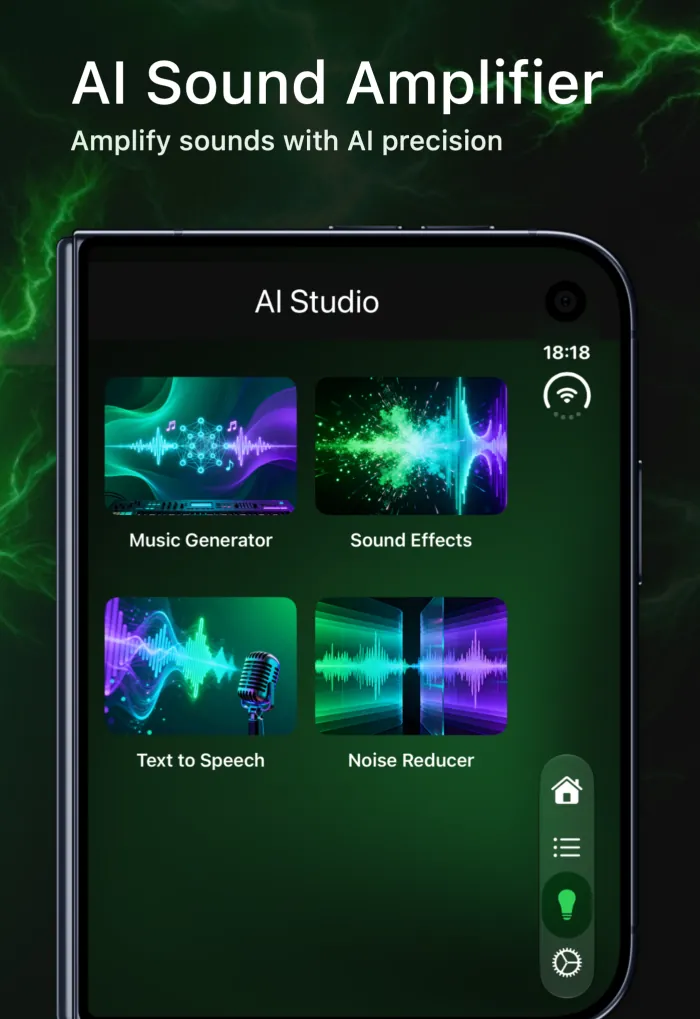
EQfy (on the App Store as Volume Booster Sound Amplifier) works on files you already have. For a quiet memo, save it to Files, import it into EQfy and turn the free Volume Boost dial past 100%; at 200% it adds up to +12 dB. Background hiss gets louder along with your voice, so go no further than you need. The original memo stays as it was. Our guide to making a voice memo louder shows how to share a louder copy. EQfy's Noise Reducer is the other tool for a noisy clip. It needs an internet connection and costs 1,500 credits per started minute. It takes only MP3 or WAV, so convert a Voice Memos .m4a first.

Frequently asked questions
How do I test my iPhone microphone?
Record a Voice Memo while speaking near the bottom of the phone, then record one short video with each camera while speaking near the top. Play all three back. Apple says a clear voice means that microphone is likely working.
Why can't people hear me on my iPhone when the Voice Memos test is fine?
The mic itself is probably fine, so look at the call. Check the Mute button, turn Bluetooth off in case a headset or car has taken over, set Call Audio Routing to Automatic, and try the call from another spot or to another person.
Where are the microphone settings on iPhone?
Go to Settings › Privacy & Security › Microphone to see which apps have access. Mic Mode isn't in Settings. It appears in Control Center while a call or recording is running.
How can I tell if my iPhone microphone is damaged?
If a recording stays silent or badly muffled after you remove the case and screen protector, clear the openings, let a wet phone dry and restart, the hardware is the likely cause. Apple's advice at that point is to request service.
Can an app fix a broken iPhone microphone?
No. No app can repair the hardware or change how iOS routes your calls. EQfy's Volume Boost and Noise Reducer work only on an audio file you already have, played inside EQfy.